-
Home
-
Tips and tricks for speakers (Remo)
Tips and tricks for speakers (Remo)
Remo’s preparations before the event
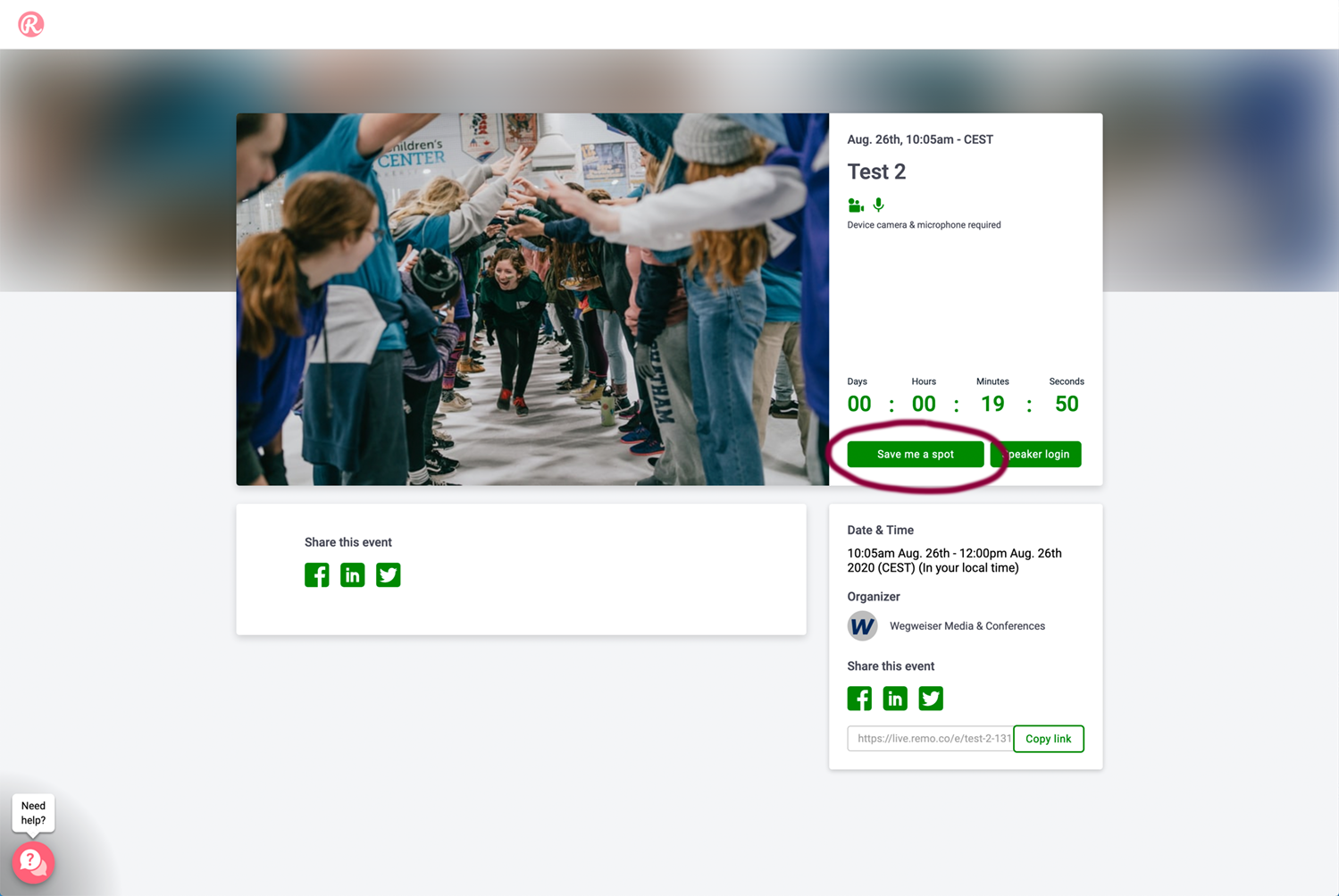
- Before the event starts, you have the opportunity to reserve a place
- You will then need to enter your email address
- A new window will then appear. You must enter your first name and surname and create a new password
- You can now add the event to your calendar
- Click on “Save me a spot”
Remo’s participation during the session
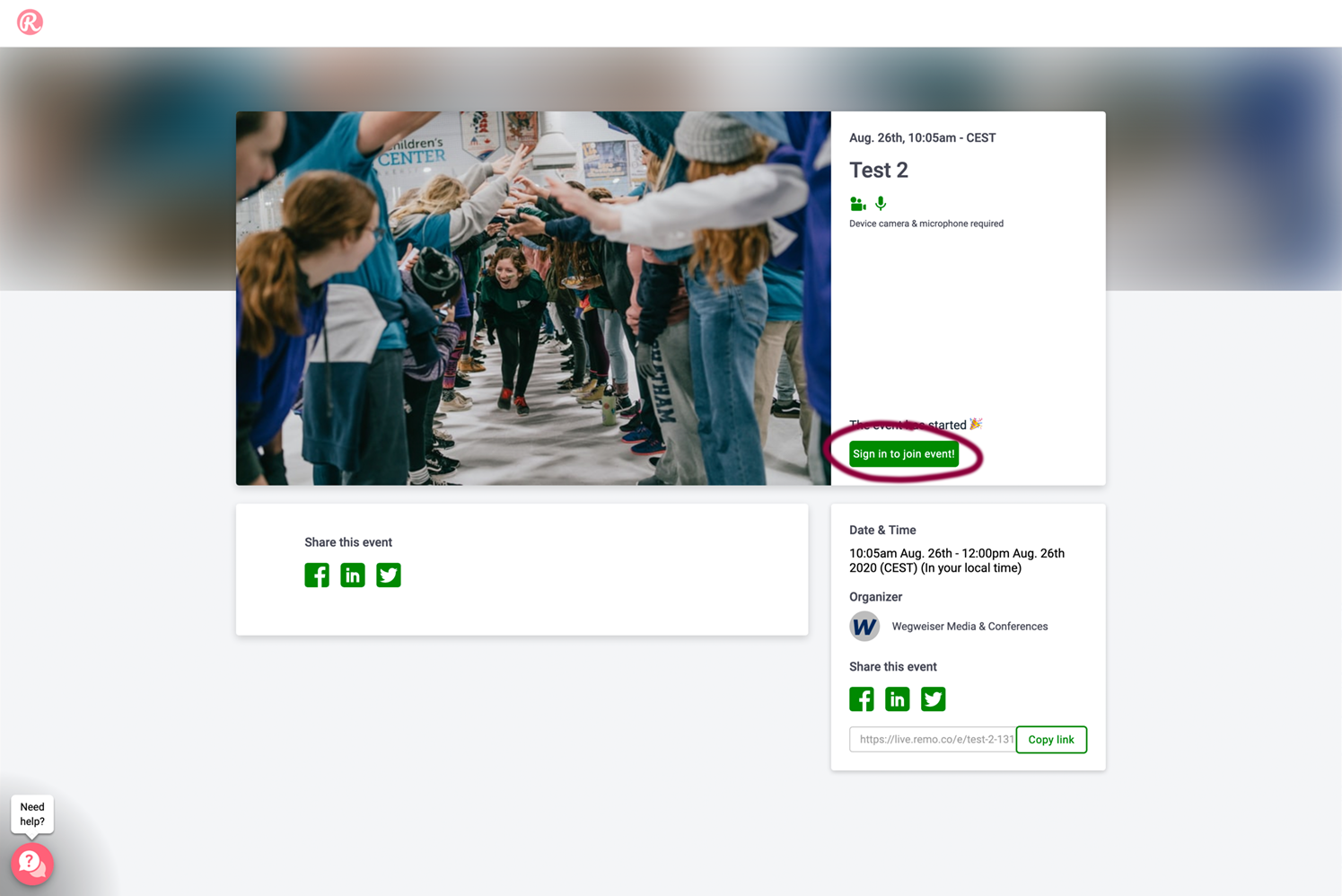
- If the session has already started, the button “Sign in to join event”. Click on
- A new window will then appear. You must enter your first name and surname and create a new password
- You must then enter your email address
Remo’s participation during the session
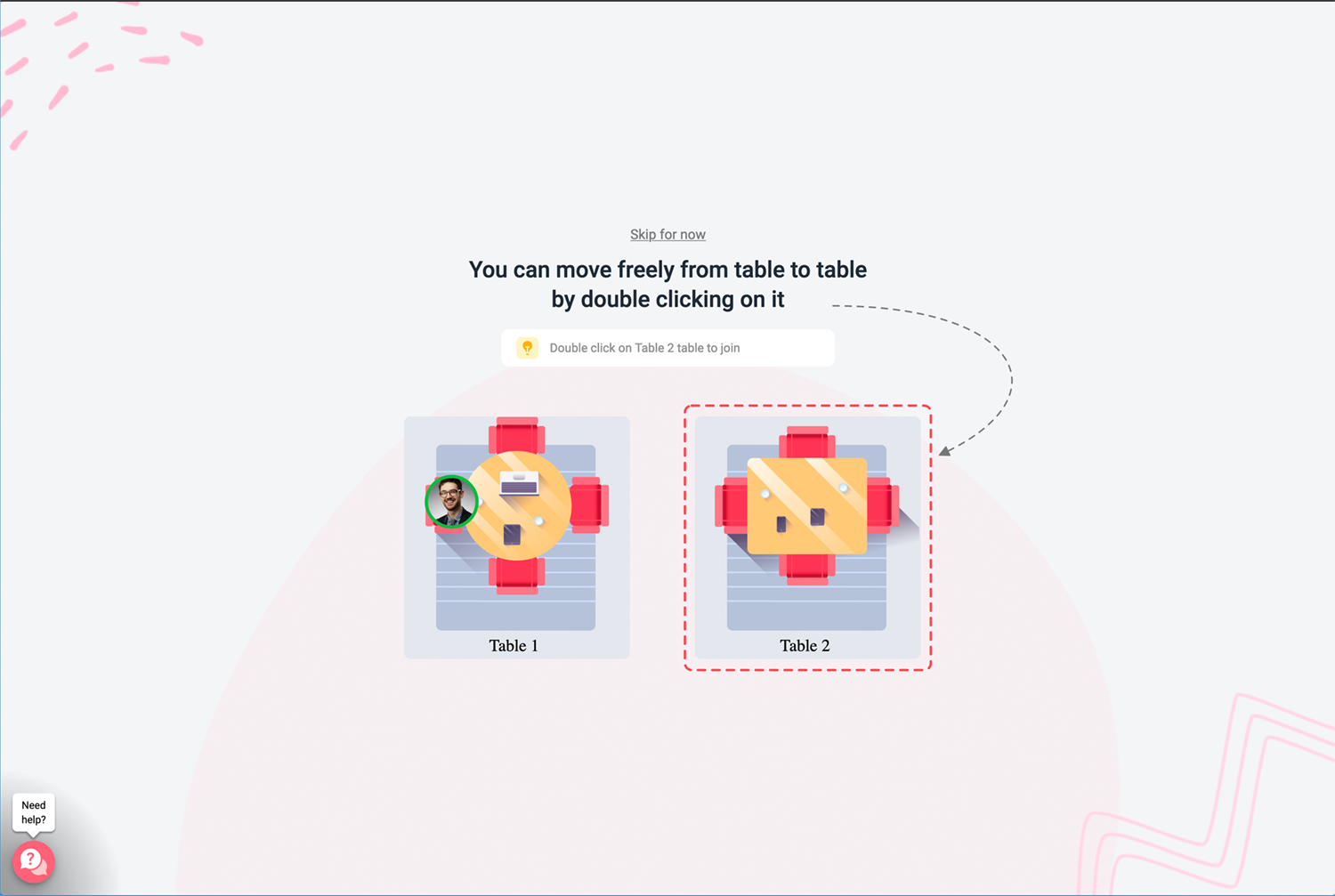
- When you join Remo, you will be seated at a virtual table
- You can move from table to table by double-click to move from table to table
- When you click on a participant, you will receive brief information about the person you are speaking to
Remo’s participation during the session
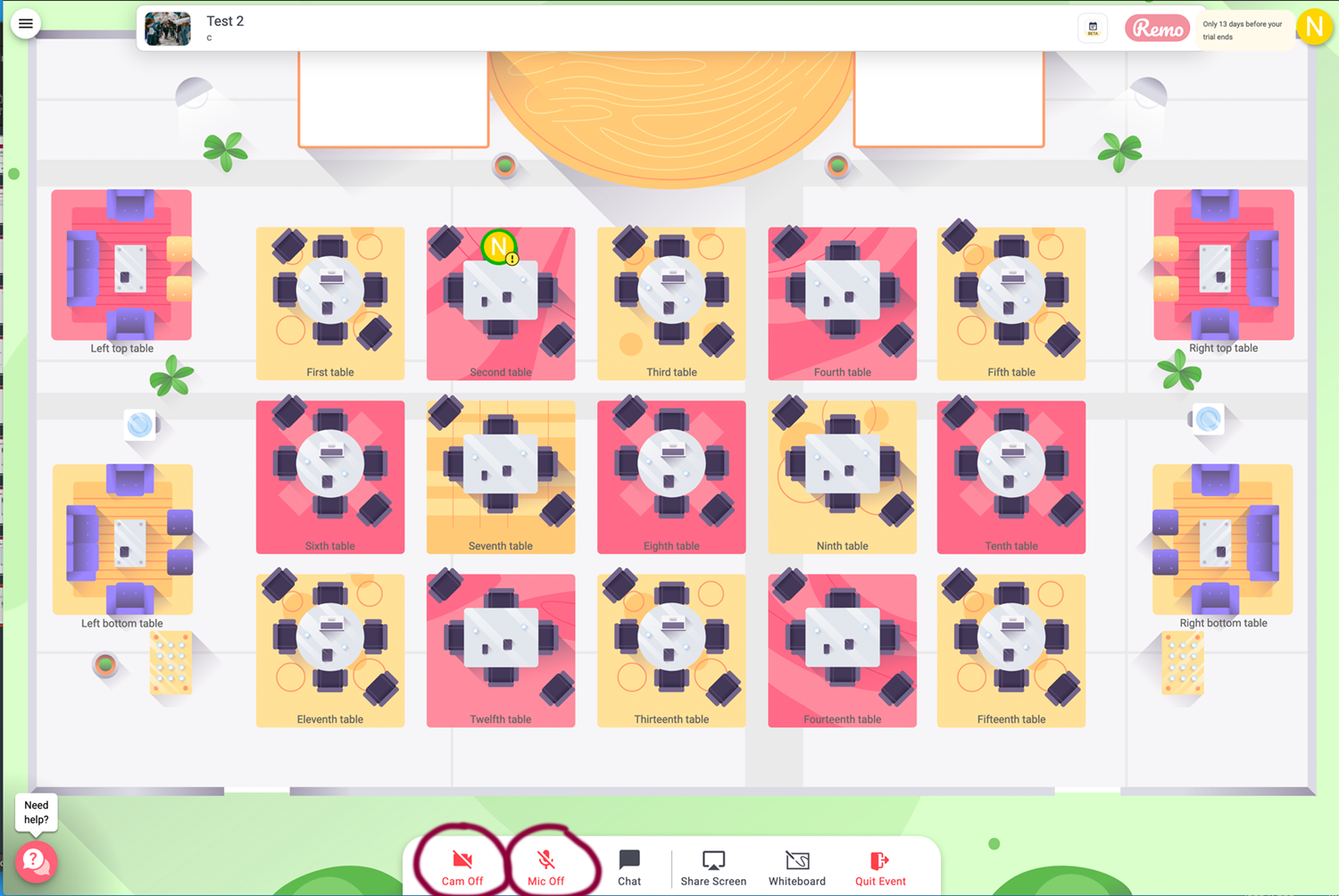
- Switch on your camera and microphone, to communicate with other participants, You can also switch the microphone off again by clicking here once more (to avoid distracting background noise)
- You can also share your screen; to do this, click on ‘Share Screen’
- Under ‘Whiteboard’ you have the option to exchange notes or comments with other participants
- Click on the chat button, to chat with other participants